Algorithm Visualization
Pathfinding Visualizer
Watch where a search looks before it finds a route, then switch algorithms and see what changes
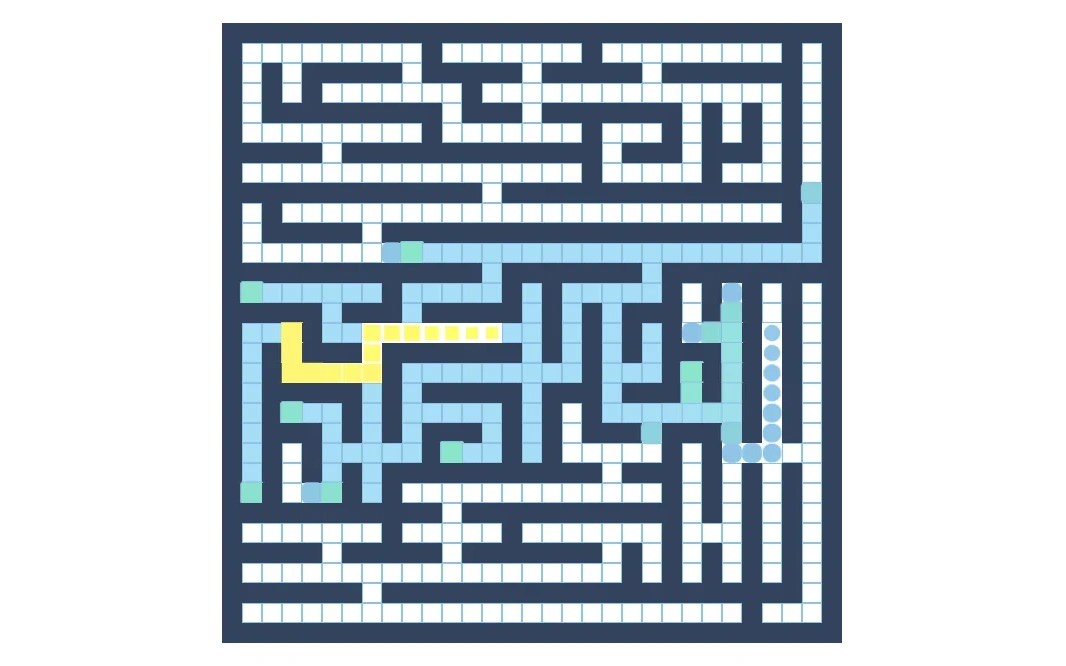
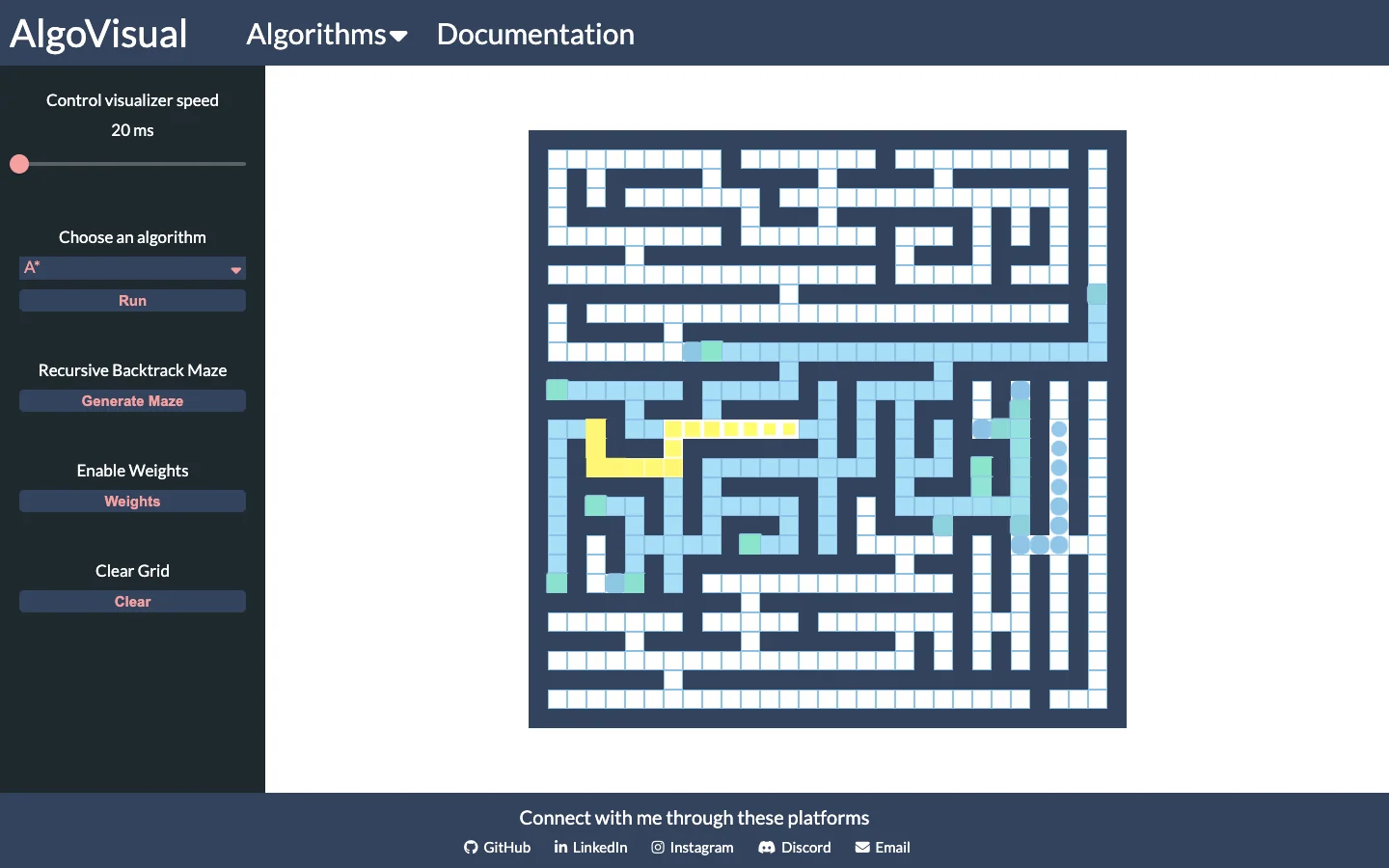
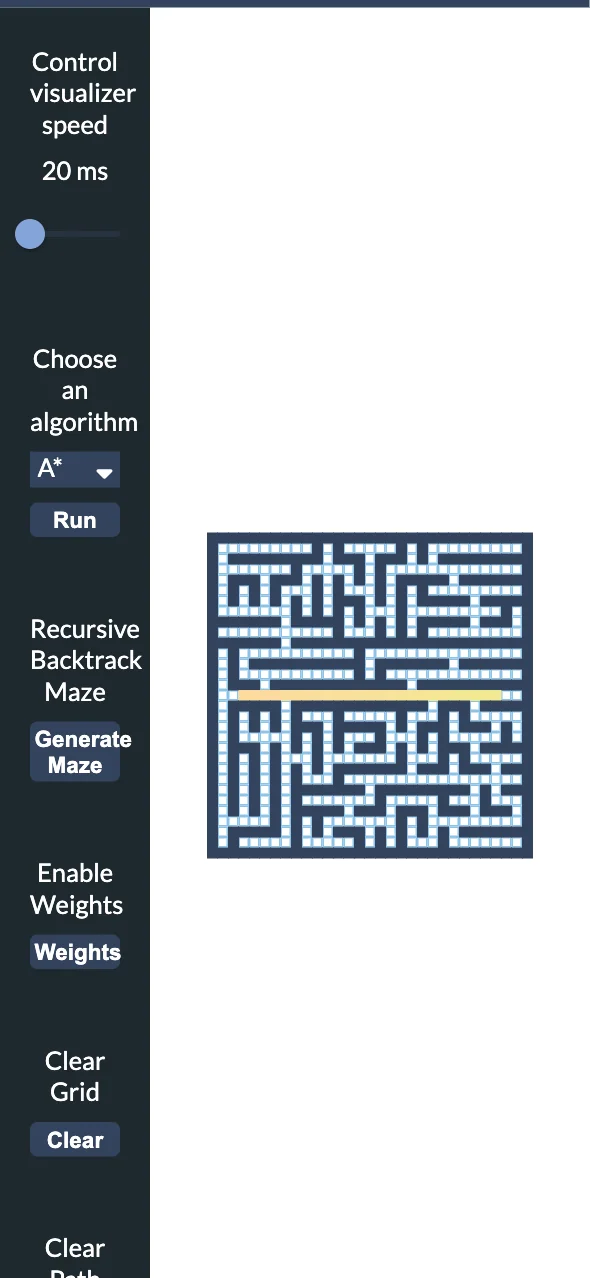
Hey! You probably already read about my process for building a sorting visualizer.
If not, no worries, this pathfinding visualizer project was part of a larger project known as AlgoVisual, which aims to visualize common sorting and pathfinding algorithms. It was also largely inspired by Clément Mihailescu's pathfinding visualizer.
After being able to successfully implement the sorting visualizer with React, I had to further challenge myself by implementing the pathfinding visualizer.
Now, the process behind building the visualizer involved a ton of hours of studying the underlying concepts behind graphs, nodes, and the ways they use data structures to find the goal.
The pathfinding visualizer was an immense learning curve, as there were several features that I wanted to implement for the visualizer, such as changing visualization speed, adding walls/weights, moving start/finish nodes, and being able to clear the entire grid or just clearing the path that was found.
At first, I started with a basic implementation of the visualizer, which would visualize DFS using a simple button. After getting the visualizer to successfully animate both the searched and path nodes, I would continue implementing the UI and features for the visualizer, and then implementing the functionality for walls & weights.
The most grueling task was implementing the actual pathfinding algorithms, as it is necessary to fully understand them to know what nodes should be added as searched nodes or path nodes. Not only that, but the actual intuition of the algorithms and implementations were also a challenge, such as Dijkstra & A*, which are phenomenal algorithms when understood and are even better when visualized!
I would also implement Best-First Search after learning about the algorithm in my university's AI class, which was fun to implement as it's very similar to A*!
After learning all the algorithms and understanding their underlying concepts, I was able to fully implement a visualizer with the abilities to generate a maze, add walls, weights, and moving start/finish nodes within the grid. It was a challenge but it was a phenomenal learning experience!
Thanks for reading and feel free to read more about my other projects!