Computer Graphics
Solar System
I used planets to learn how motion fits together in 3D, with each planet spinning on its axis as it circles the sun
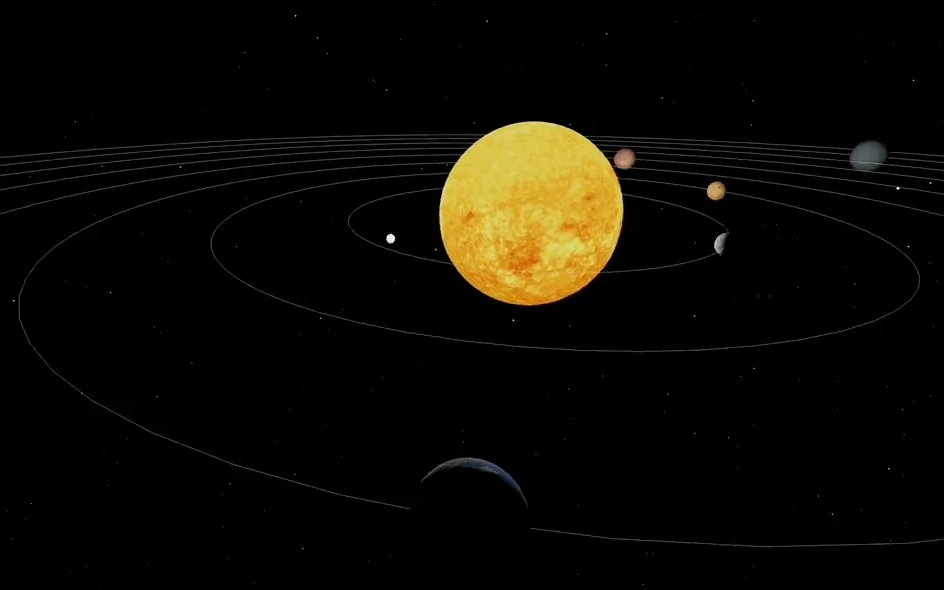
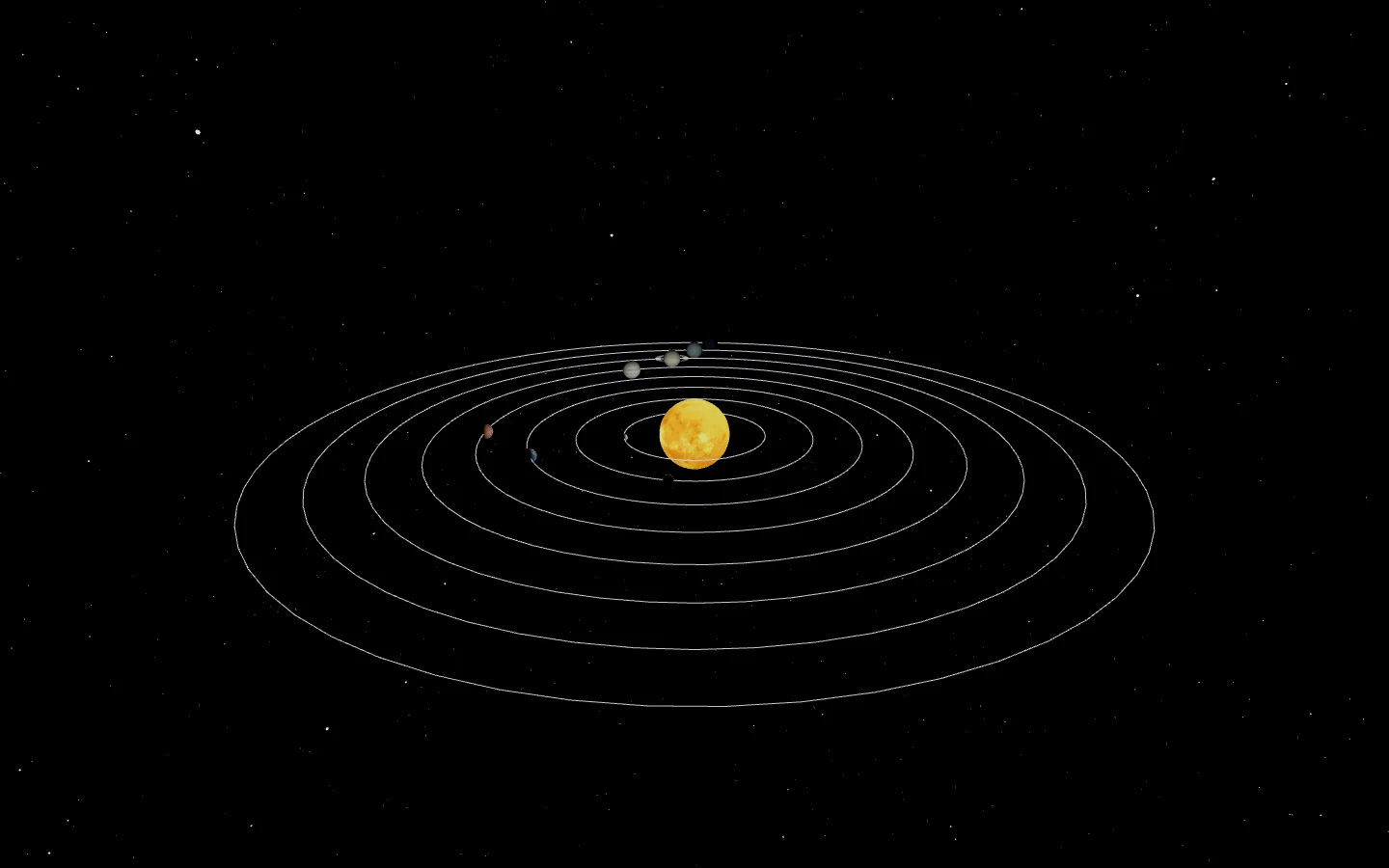
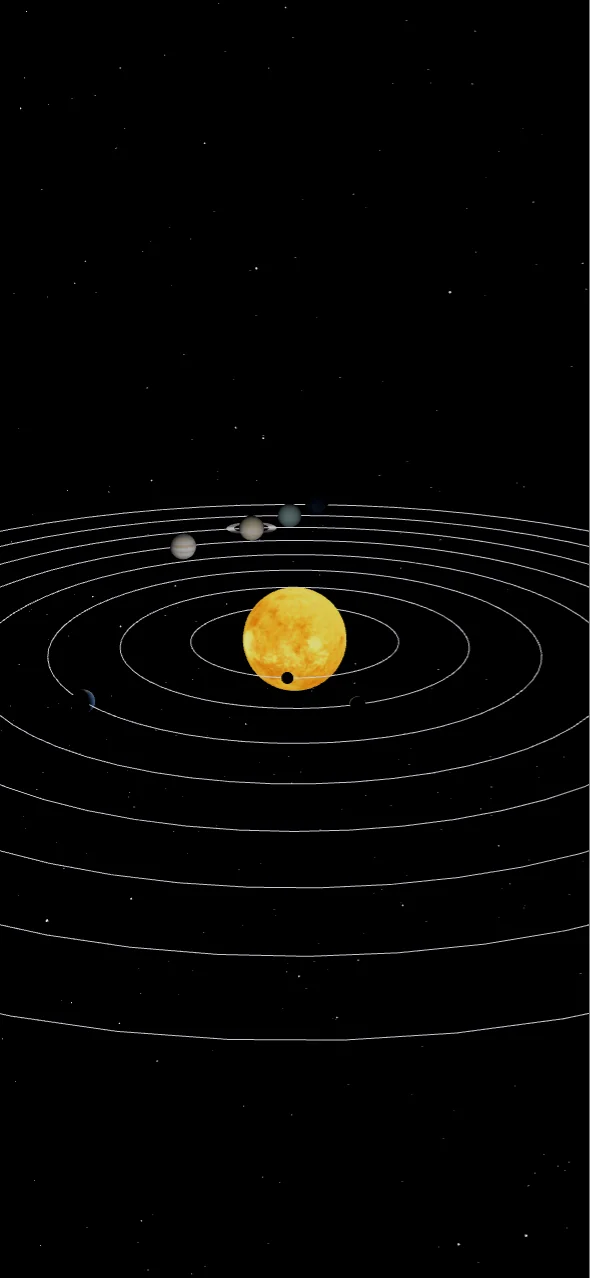
Hey! So, this is one of the projects made in my Computer Graphics class at NJCU. We were allowed to use any technologies as long as it incorporated terminology within Computer Graphics.
React & Three.js
Now, I chose to use React & Three.js because the underlying concepts are already implemented in Three.js, but when React is used, it simplifies the code into something that is easily understandable, for example, here's the final code of the Solar System.
function App() {
  const [zoom, setZoom] = useState(false);
  const [focus, setFocus] = useState({});
  return (
    <div id={'app'}>
      <Canvas camera={{ position: [-1500, 550, 120], fov: 60, far: 100000 }}>
        <Stars />
        <Sun />
        <Planets
          planetData={planetData}
          zoomToView={(focusRef) => {
            setZoom(!zoom);
            setFocus(focusRef);
          }}
        />
        <Lights />
        <FPSControls />
        {/* <Controls zoom={zoom} focus={focus} /> */}
      </Canvas>
    </div>
  );
}
The code is very simple and easy to understand, but the underlying code would use several mathematical concepts, such as having stars moving within space and the ecliptics for each planet. We would also learn concepts such as texturing, rotations, scaling, shadows, and camera movement.
This project was very small but I was able to grasp a good amount of fundamentals from Computer Graphics by creating this Solar System with React & Three.js.
Below is a recording of moving around space in the solar system.
Thanks for reading and feel free to read more about my other projects!